
INBOUND AND OUTBOUND TRUCK WEIGHING
Truck Scale In/Out Weighing Systems
Manage vehicle weights, ticketing, and transaction data for trucks entering and leaving your facility. Michelli helps operations move beyond handwritten logs and disconnected scale data with practical systems built around real traffic flow, revenue protection, and daily dispatch needs.
Make Truck Scale Transactions Faster, Simpler and More Reliable
A truck scale transaction is more than a weight. It may affect billing, inventory, dispatch, customer records, compliance documentation, and the speed of every truck moving through the gate.
Michelli helps design truck scale transaction systems around the way your facility actually operates: who completes each step, what must be verified, where bottlenecks happen, and how the final ticket or record needs to move through the business.
- Reduce Manual Entry
- Improve Ticket Accuracy
- Protect Revenue
- Connect Scale Data
Faster Truck Flow
Reduce repetitive entry, slow document handling, and dispatch delays that create long lines during peak traffic.
Reliable Recordkeeping
Capture weight, truck, driver, product, customer, and ticket information consistently instead of relying on handwritten logs.
Position Verification
Photo eyes and related controls can help verify trucks are properly positioned before a ticket is printed.
Connected Visibility
Share truck scale data with traffic, dispatch, accounting, inventory, or other teams that need real-time visibility.
Local Truck Scale Control vs. Integrated Truck Scale Systems
The right truck scale in/out weighing system depends on the volume of traffic, the amount of data being captured, and who needs access to the information after the weight is recorded.
Simpler Workflow
Local Scale Control
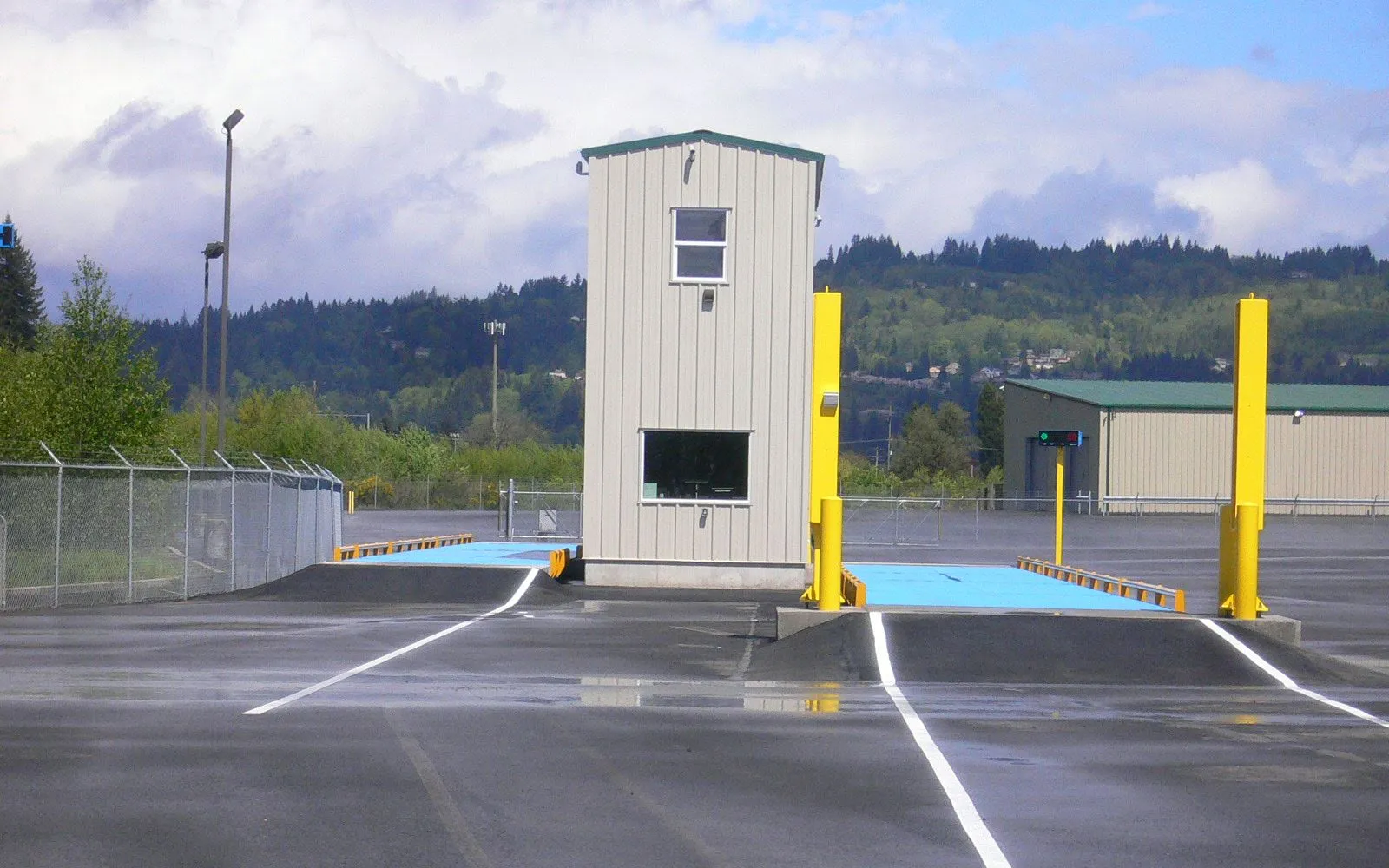
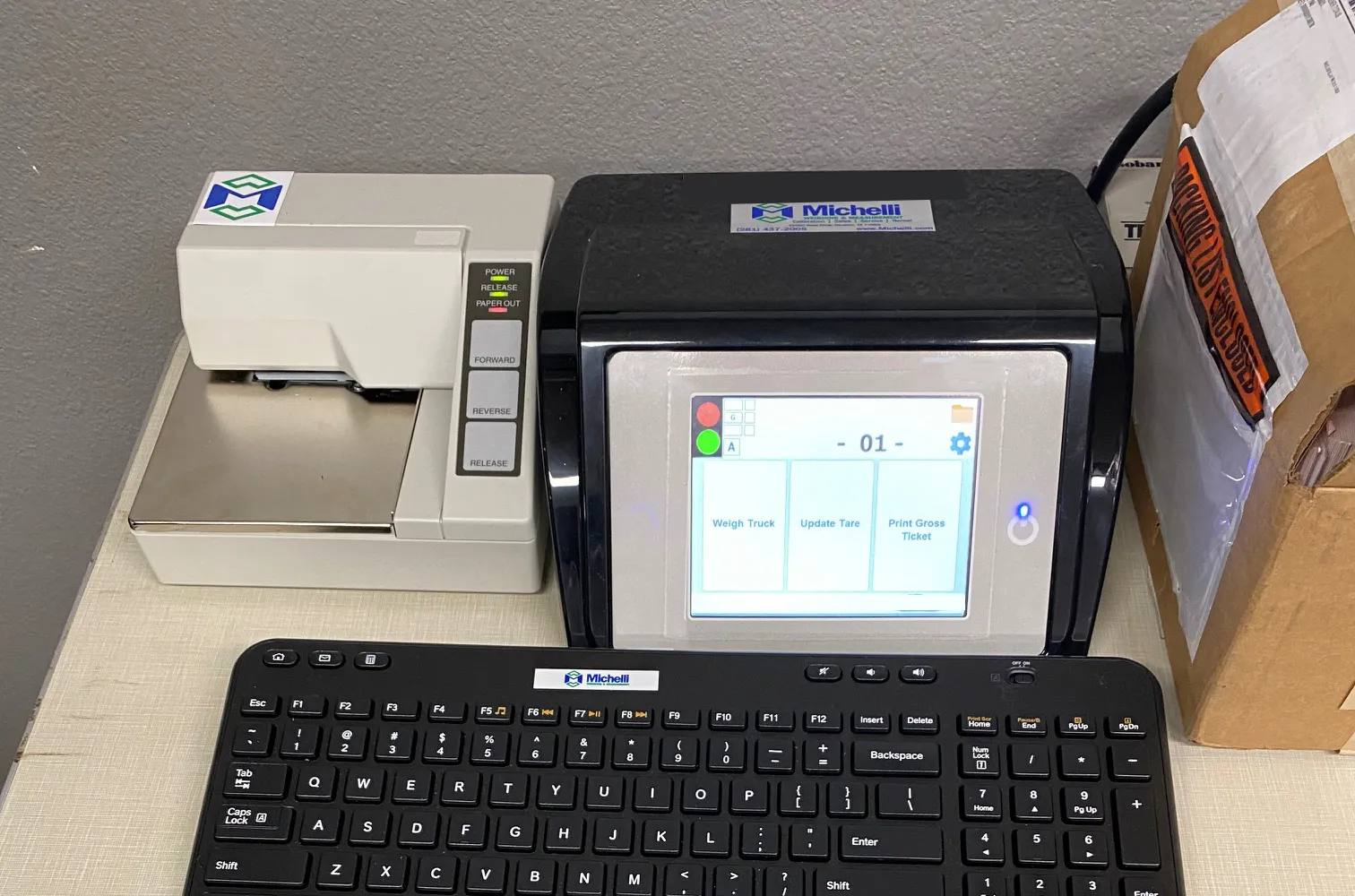
Local systems use the scale indicator or controller to capture weight data reliably at the scale house. They are a practical fit when the main goal is cleaner ticketing, fewer entry errors, and dependable operation without a larger network connection.
Single-scale or lower-volume truck traffic
Basic inbound and outbound ticketing
Indicator-based data capture and printed tickets
Facilities that need a reliable first step away from manual logs
Connected Workflow
Integrated Truck Scale Systems
Local systems use the scale indicator or controller to capture weight data reliably at the scale house. They are a practical fit when the main goal is cleaner ticketing, fewer entry errors, and dependable operation without a larger network connection.
High-volume facilities with multiple scales or lanes
Centralized document processing and shared ticket data
Driver license scanning, radio links, or webserver visibility
Operations that need real-time access to weight and inventory data
Available for both manned and unmanned operations
TRANSACTION WORKFLOW
Is a Staffed Scalehouse or Unattended Kiosk Workflow Right for You?
A truck scale transaction system can be staffed, unattended, or designed to support both. The right approach depends on who completes routine transactions, when trucks arrive, how exceptions are handled, and how much control the operation wants to keep inside the scale house.
OPERATOR-MANAGED WORKFLOW
Staffed Scalehouse
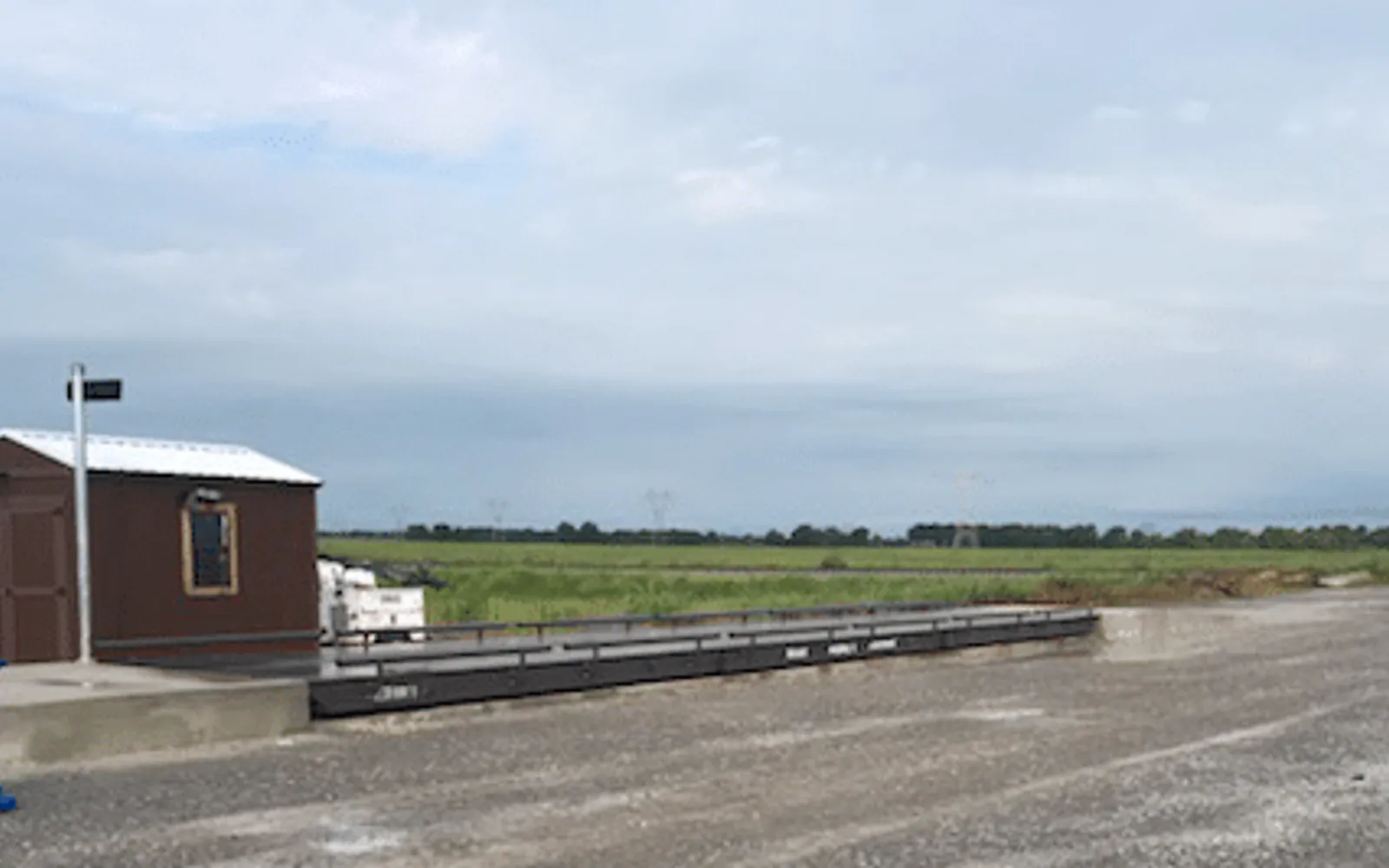
A staffed workflow keeps an operator at the center of the transaction. The operator may verify the truck, enter or confirm information, manage tickets, answer questions, and handle exceptions as vehicles move through the site.
Choose a staffed scalehouse workflow when:
An operator verifies or enters most transactions
The scale house remains central to daily traffic
Drivers regularly need assistance or transaction review
The main need is better ticketing, records, or data sharing
Unusual loads or customer questions require immediate attention
DRIVER SELF-SERVICE
Unattended Kiosk Workflow
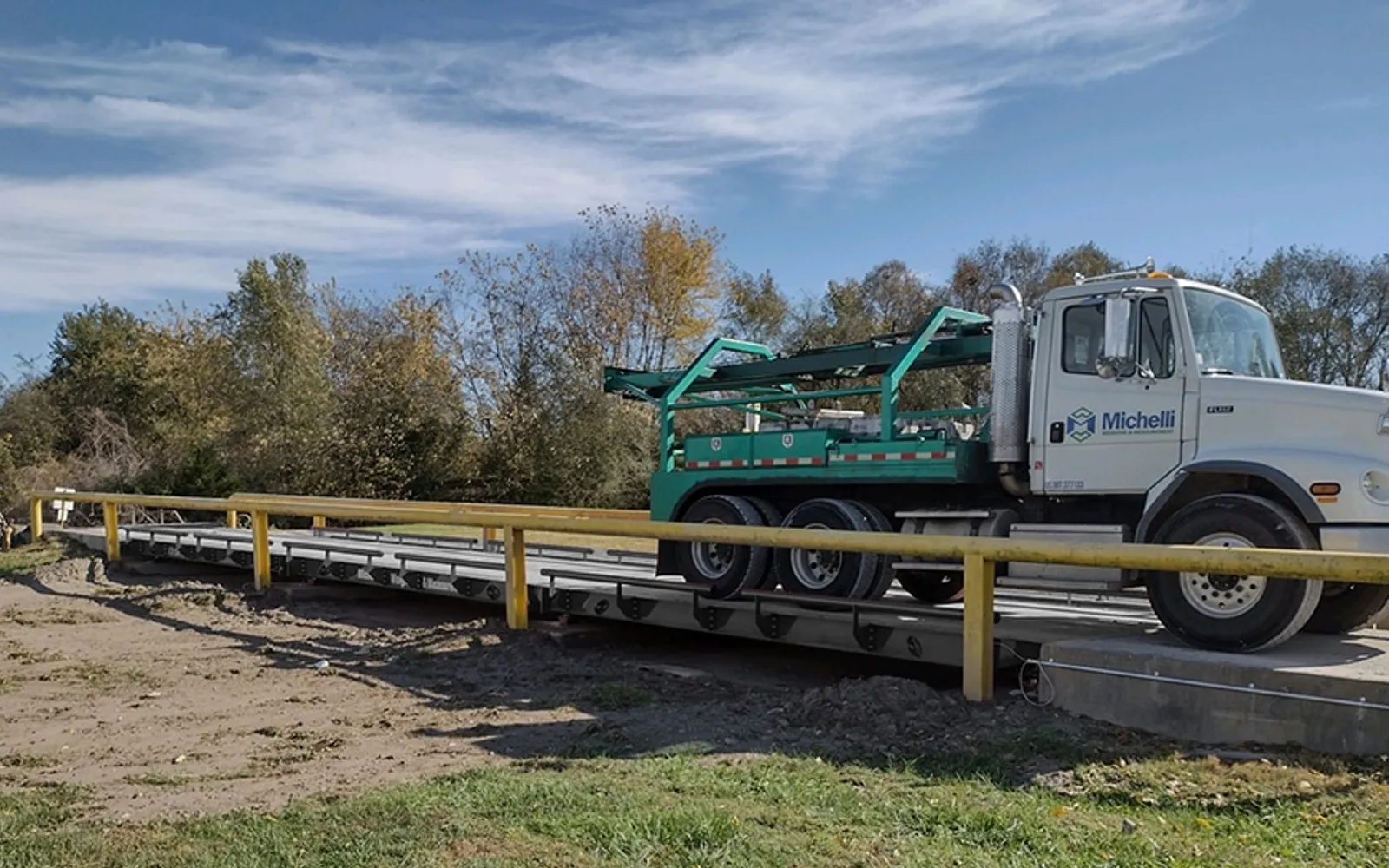
An unattended kiosk allows drivers to complete routine steps without waiting for a scale-house operator. Depending on the application, the workflow may include identification, weighing, traffic controls, ticketing, cameras, intercoms, and remote support for exceptions.
Consider an unattended kiosk workflow when:
Drivers need to complete routine transactions themselves
Trucks arrive outside normal staffing hours
The site needs to reduce driver walk-in traffic
Repetitive transactions are slowing the scale house
Remote staff can handle unusual transactions or questions
Some facilities use a blended approach, keeping operators involved for selected customers, products, or exceptions while allowing approved drivers to complete routine transactions through self-service.
When Truck Scale Data Starts Creating Risk
Truck scale processes often start simple: weigh the truck, write down the information, print a ticket, and keep the line moving. But as traffic grows, the weak points become harder to ignore.
Manual entries get repeated all day. Drivers wait at the gate. Dispatch has to call for updates. Accounting works from delayed or incomplete records. And if a truck is not fully on the scale, the weight record may not reflect the actual load.
Michelli starts by looking at the workflow first: who enters the data, how trucks move through the site, where mistakes happen, what needs to be recorded, and how much integration the operation really needs. From there, the right answer may be a simple indicator improvement, a retrofit to existing equipment, or a fully integrated truck I/O system.
Warning Signs
Common Signs to Look For
Manual Weight Logs
Handwritten tickets or manually keyed weight records at the scale house
Repeated Data Entry
Drivers or operators keying the same information multiple times per transaction
Gate Bottlenecks
Long lines at the scale house, gate, or dispatch office during peak hours
Positioning Problems
No way to confirm a truck is fully on the scale before a ticket is printed
No Real-Time Visibility
Traffic, dispatch, or accounting cannot see current weights without calling the scale house
Multi-Office Gaps
Multiple offices need access to the same truck records but are working from different data
Truck Scale Workflows Michelli Can Help Support
Truck I/O systems are used anywhere vehicle weight affects inventory, billing, compliance, or material movement. The system should match the traffic pattern and the business record behind each load.
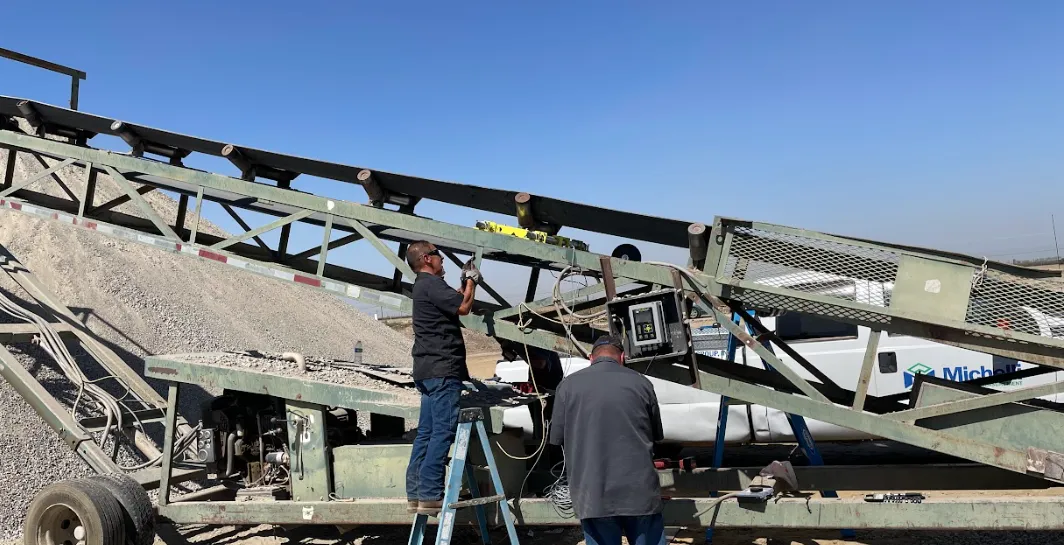
Aggregates, Mining & Bulk Materials
Verify inbound and outbound material weights, reduce ticket errors, and add controls that help prevent improper truck positioning before billing or inventory records are created.
Inbound and outbound verification
Ticket and billing accuracy
Position controls
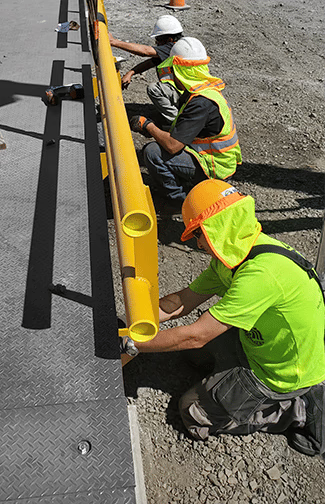
Manufacturing & Distribution
Speed up high-volume shipping, centralize truck documents, and connect weight records to the teams responsible for traffic, production, and customer shipments.
High-volume shipping support
Centralized document processing
Multi-team visibility
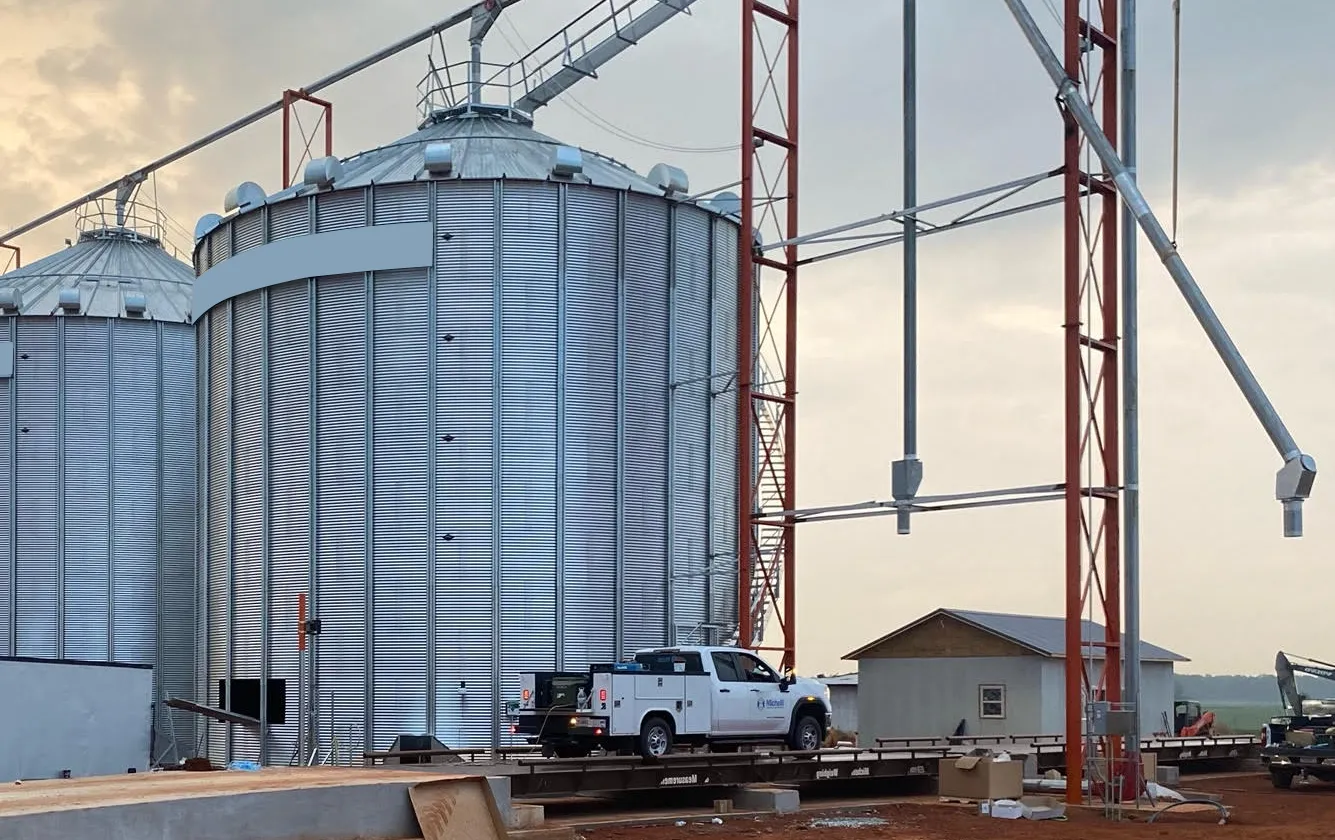
Agriculture & Commodity Handling
Capture vehicle, product, supplier, customer, and load information consistently when seasonal volume or multiple commodities make manual records harder to manage.
Seasonal and commodity workflows
Supplier and customer records
Consistent data capture
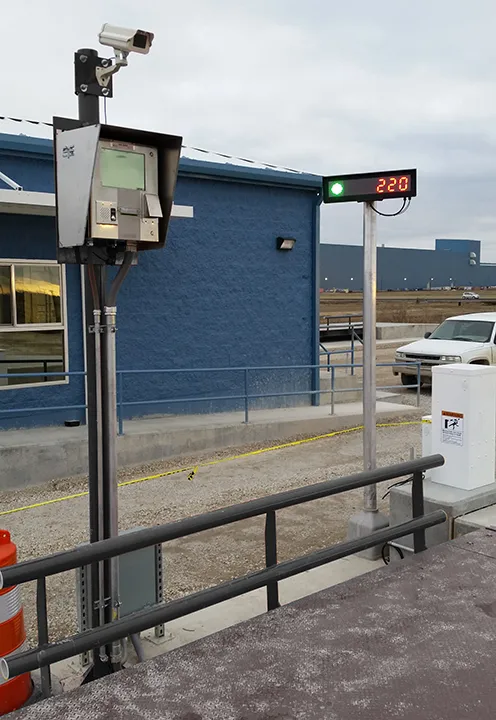
SYSTEM COMPONENTS
What Goes Into a Truck Scale In/Out System
Weighing system components vary by application and environment. A straightforward indicator-based system may only require a controller and printer. A system fully integrated with a data control center may include software, scanners, position checks, network links, and shared databases.
Michelli helps determine which controls, interfaces, and data tools are useful for the application so the system stays practical, serviceable, and ready to support the way your team actually works.
Scale Indicators & Controllers
Indicators or controllers configured for dependable weight capture, ticketing, and system outputs at the scale house.
Truck Scale Software
Local or PC-based software for tickets, truck records, customer and product data, reporting, and network access.
Photo Eyes & Position Checks
Position verification options that support accurate weighments by preventing ticket printing when a truck is incorrectly positioned on the scale.
Scanners & Data Entry Tools
Driver license scanners, ID capture, barcode inputs, or other tools that reduce repetitive typing per transaction.
Network & Radio Links
Connections that let multiple offices, scales, or departments process and view truck data in real time.
Reports & Integration
Exports, databases, webserver visibility, and connections to business systems where the application requires it.
BEYOND THE SCALE
Truck Scale Data Is Revenue, Inventory, and Logistics Data
When the weight record is delayed, handwritten, or disconnected, the impact spreads beyond the scale house. Better truck I/O systems help protect billing accuracy, speed up document processing, improve inventory visibility, and reduce the manual work surrounding every load.
That visibility can support dispatch, accounting, inventory reconciliation, customer records, and decisions about where traffic or documentation bottlenecks are costing the most time.
What You Gain
Potential Business Value
Revenue Protection
Position checks and cleaner tickets help reduce billing risk from inaccurate load records
Faster Processing
Less repetitive typing and better document flow can reduce gate and dispatch bottlenecks
Real-Time Visibility
Traffic, inventory, accounting, and operations can access truck scale information sooner
Less Manual Risk
Structured data capture reduces possibility of human error and re-keying
Inventory Accuracy
Consistent inbound and outbound records support better inventory reconciliation
Room to Grow
Systems that can expand from local ticketing to integrated workflows as needs change
Why Work With Michelli on Truck Scale I/O?
Truck scale systems need to keep working after the install. Michelli brings weighing experience, application planning, integration support, and service coverage to help keep the workflow reliable over time.
Workflow-First Planning
Michelli looks at traffic patterns, operators, data handoffs, documents, and business requirements before recommending a system path.
Brand-Flexible Support
Truck in/out system improvements can often be integrated with existing truck scales, indicators, and site infrastructure.
Integration Experience
Michelli can help connect scale data to networked software, reporting workflows, and other systems when the application requires it.
Service After Install
Michelli supports the system after startup with troubleshooting, maintenance, calibration support, and service planning.
Local Service. Nationwide Support.
Michelli supports customers through a service network built for demanding weighing and measurement environments.
Calibration Support
Michelli is ISO 9001 Registered with ISO 17025 Accredited calibration laboratories, with calibration support available based on equipment and scope.
TRUCK SCALE IN/OUT SYSTEMS
Need a Better Way to Manage Truck Scale Transactions?
Loop Michelli in early. Tell us how trucks move through your site, where the bottlenecks happen, what data must be captured, and who needs the final record. We can help determine whether a local system, retrofit, or integrated truck I/O workflow is the right fit.
Helpful details to share:
- Number of scales or lanes
- Daily truck volume
- Current ticketing process
- Manual entry pain points
- Software or reporting needs
- Position or security concerns
Request a Solution Review
Tell us about your truck scale workflow. A Michelli specialist can help identify the right next step.